The ads your competitors keep running, turned into yours.
AdStash tracks the Facebook and Instagram ads of the brands you compete with, in any country, and shows you which ones last. Your own AI reads why they work and makes ready-to-upload ads for your brand. One payment. Your library stays on your computer.
Windows 11. Works with Claude Desktop, Claude Code and Codex. Mac comes later.
From "what is working for them?" to ads you can upload.
You ask in plain words. Your AI does the reading and the writing. AdStash does the fetching, measuring and drawing, so the facts and the text on your ads are exact.
Follow any competitor
Search Meta's public Ad Library by brand or keyword, in any country, and track it. AdStash keeps their ads, images and videos in a library on your computer and marks the ones that keep running.
See why the long runners work
Your AI reads each ad: the hook, the angle, the offer, the layout. Then it writes you a short report on what lasts in your niche and what nobody is doing yet.
Get your own ads, ready to upload
From your brand kit and the formats that last, AdStash draws new ads in four sizes, with your words and your products, plus a copy sheet for Ads Manager.
Watch it work, in 60 seconds.
One sentence to an AI agent: "Make me five ads from what works." Everything after that is real.
Recorded from the app with a made-up sample brand.
Ads in your brand, not copies of theirs.
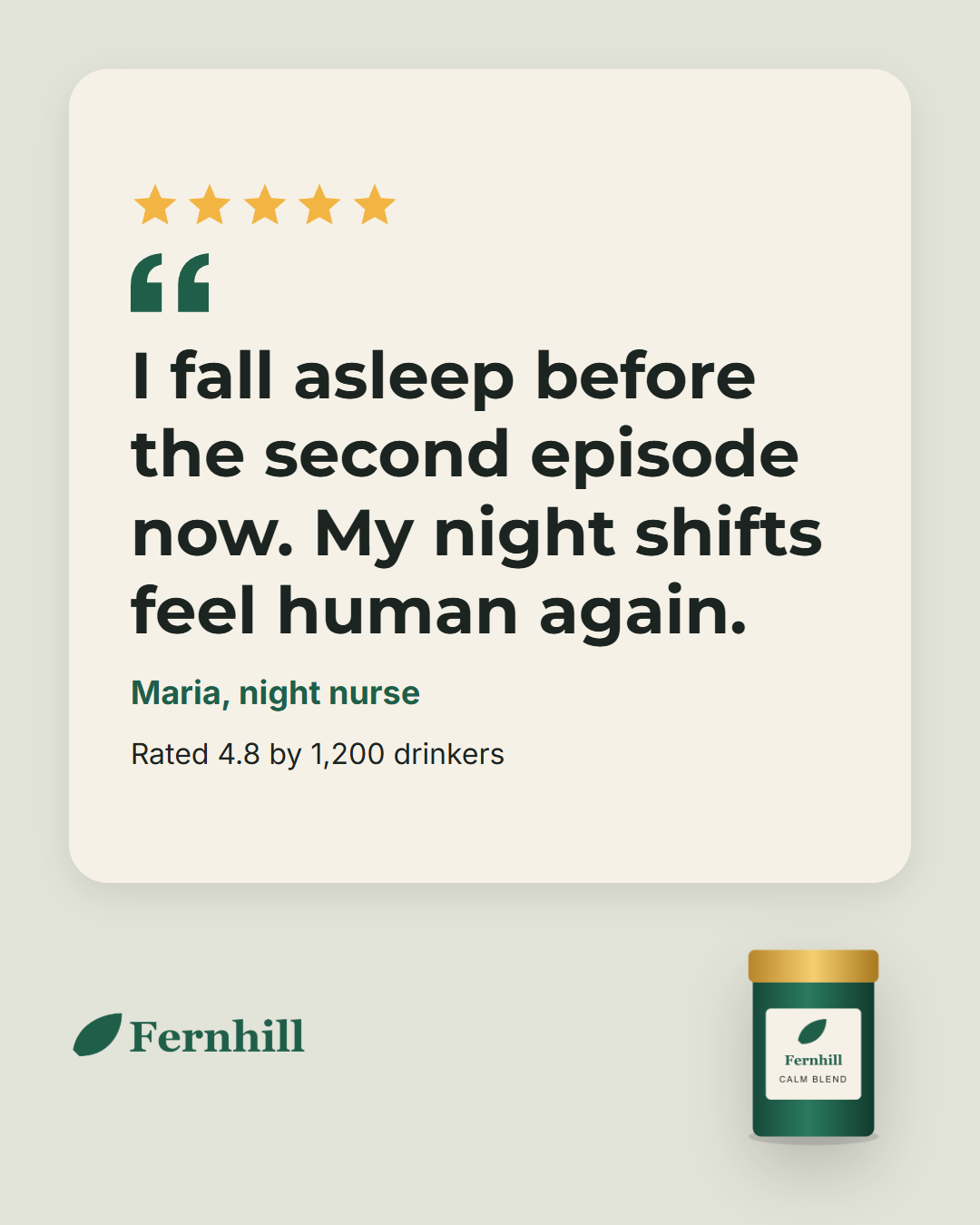
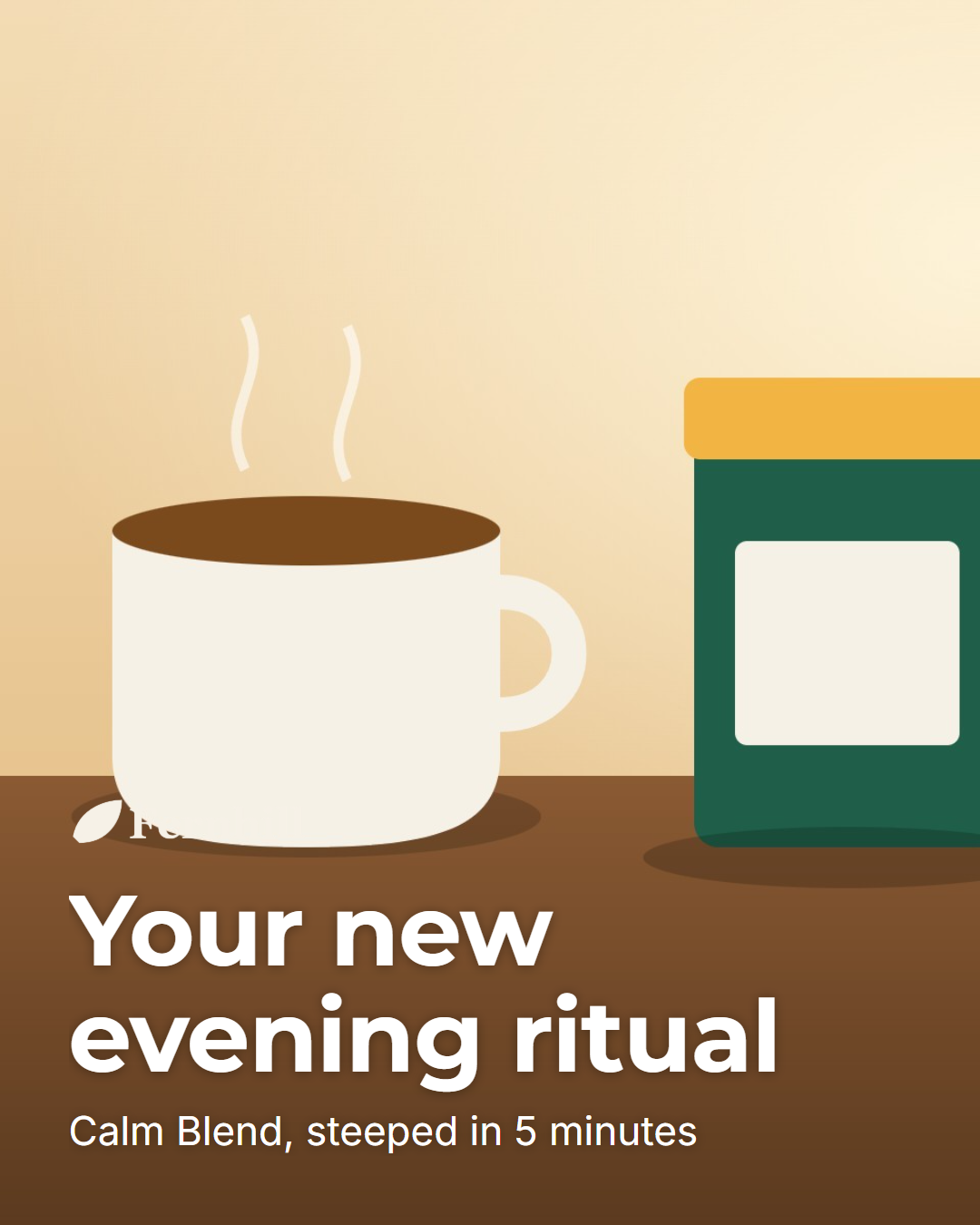
AdStash borrows the format, never the content: a layout, an angle or the shape of a hook. It refuses any sentence copied from a competitor's ad, and only puts your own images on your ads. These examples are made for a made-up tea brand.
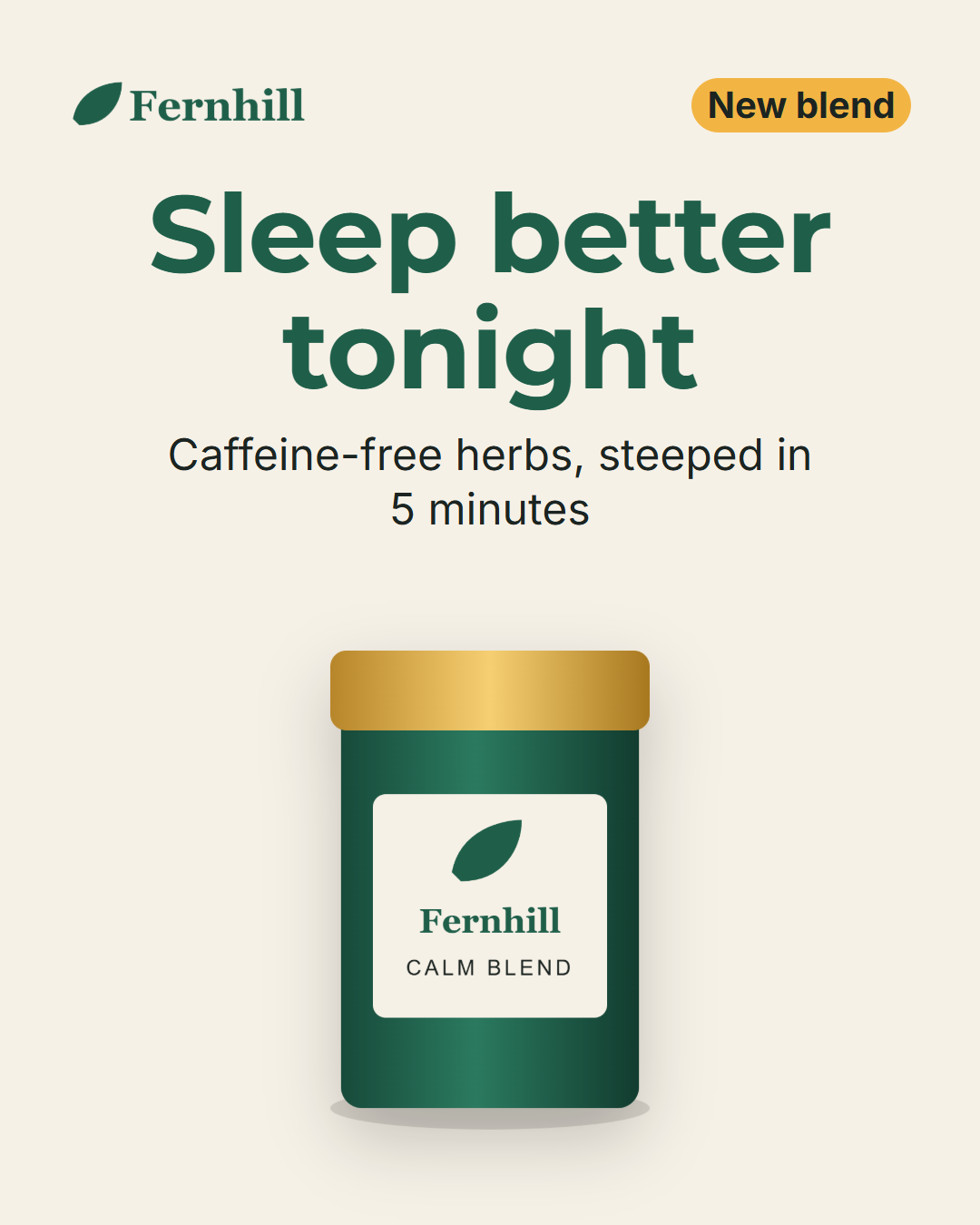
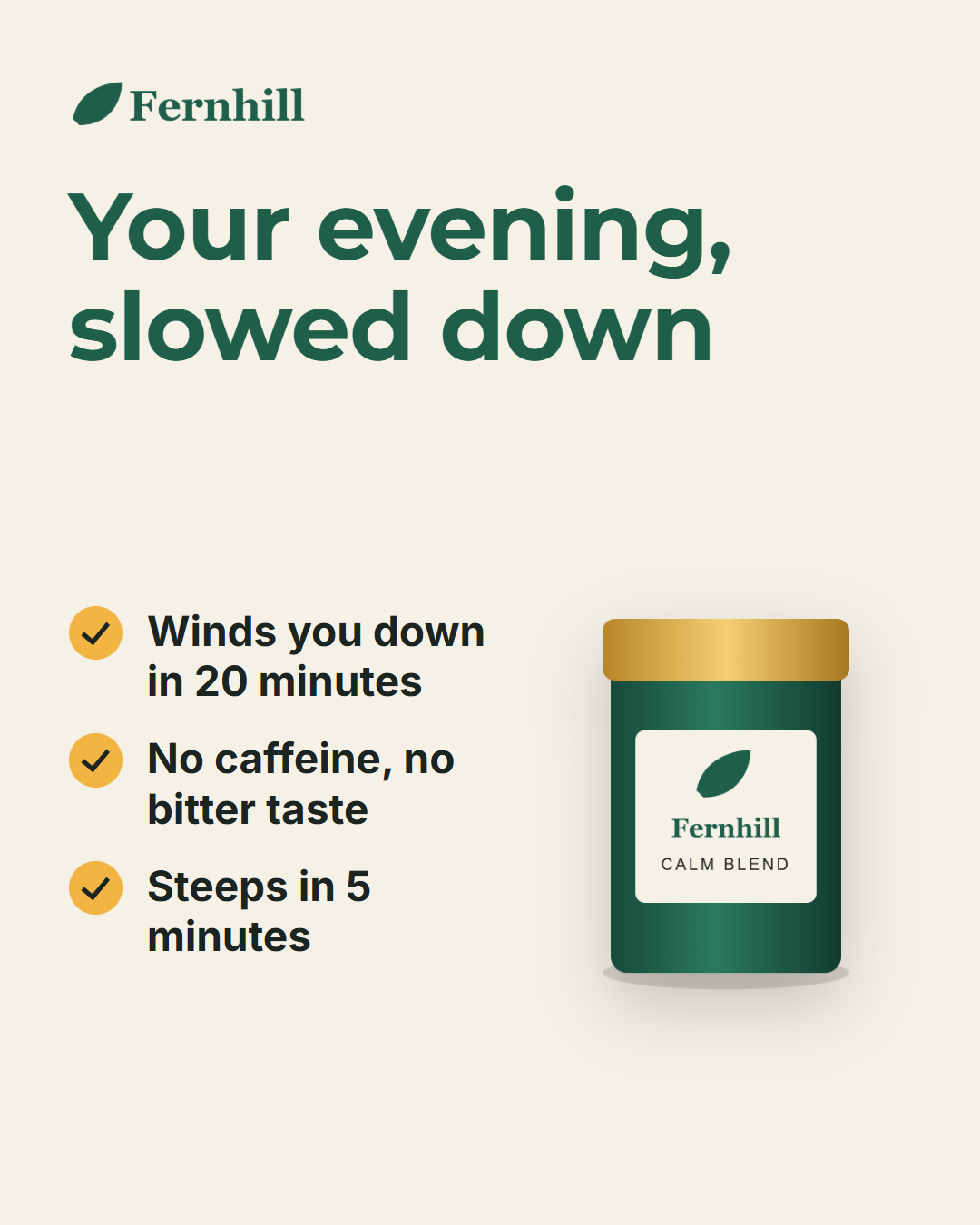
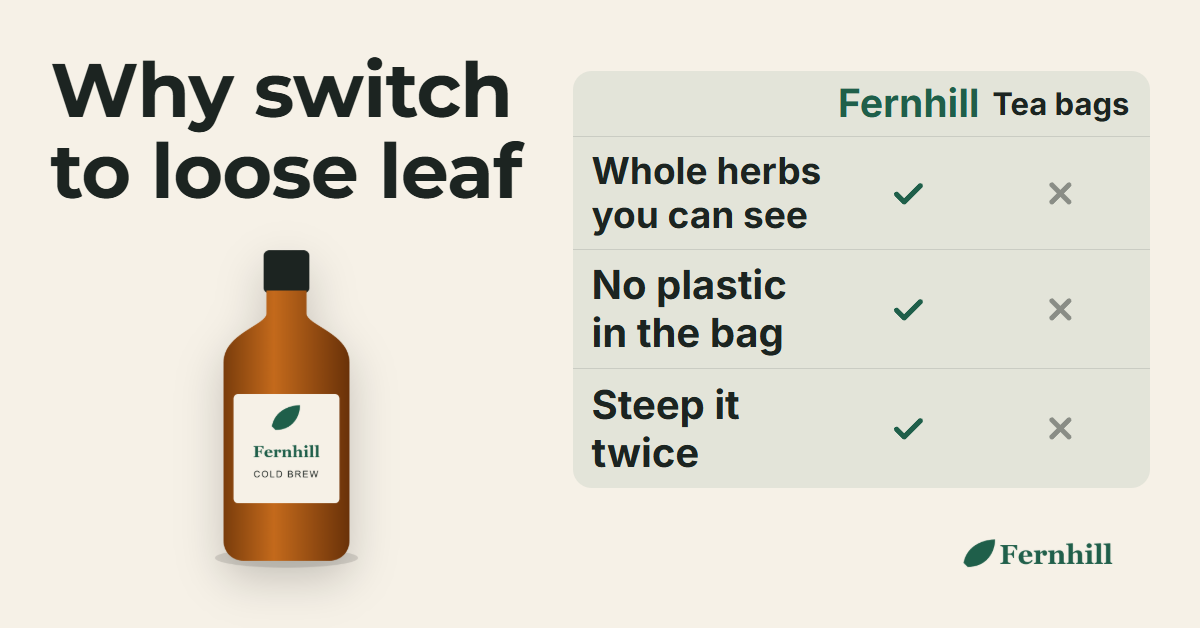
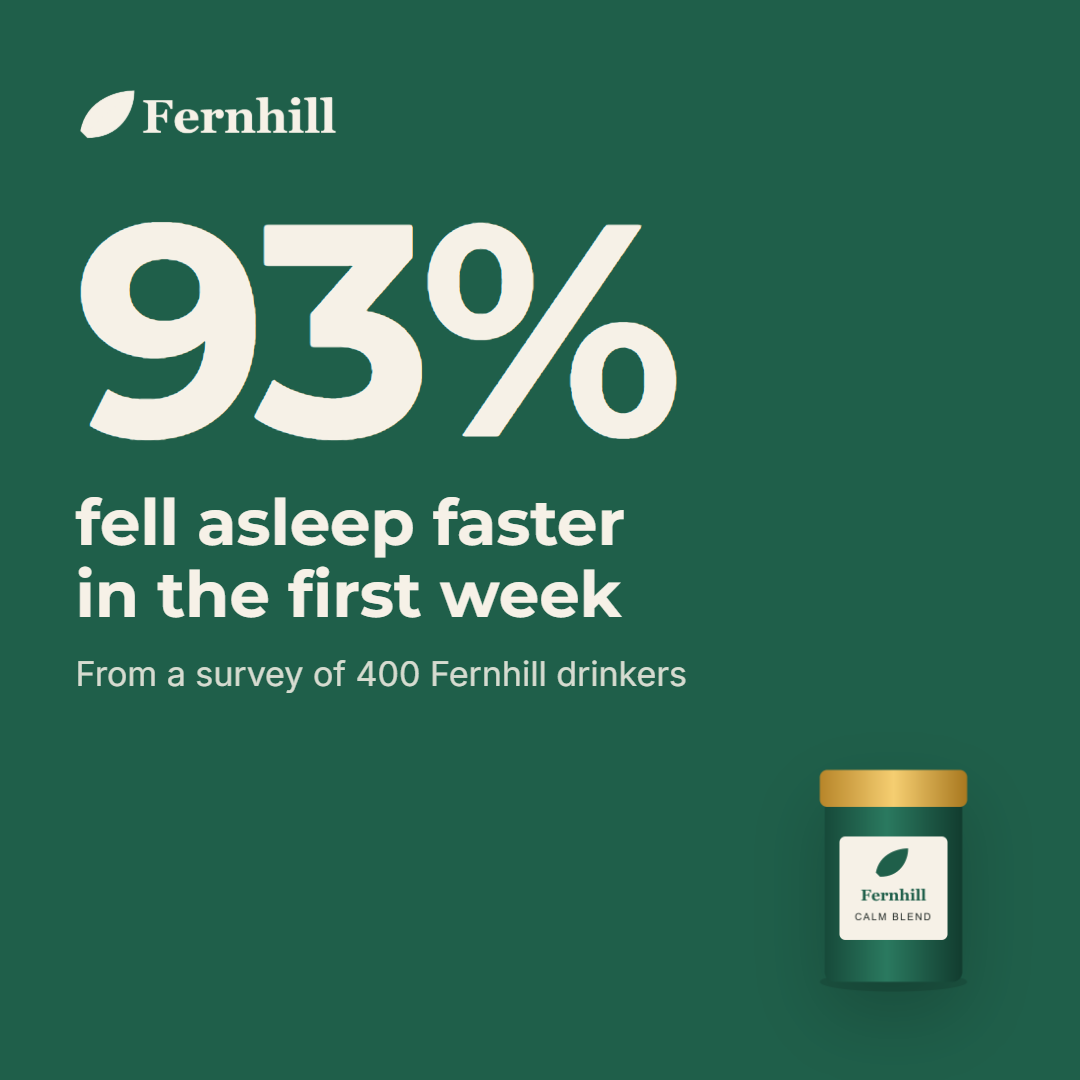

Measured, not guessed
- Every text is fitted to its space and checked: nothing cut off, nothing over another line.
- Contrast is measured against what is behind the words.
- Story sizes keep text clear of the buttons Meta draws on top.
Ready for Ads Manager
- 1080x1080, 1080x1350, 1080x1920 and 1200x628 for every ad.
- A copy sheet with primary text, headline, description, button and link.
- A sources file linking each ad to the Ad Library ads that shaped it.
Your AI, your subscription.
AdStash has no chat of its own and makes no AI calls. The agent you already pay for (Claude Desktop, Claude Code or Codex) connects to AdStash on your computer and uses it as a set of tools. No extra AI bill, no new account, no tokens to manage.
What leaves your computer.
All of it, in one table. Nothing else goes anywhere.
| Goes out | To | When |
|---|---|---|
| Licence key, app version, install ID | AdStash's licence server | Start, every 12 hours, and when the key is removed |
| App version and your computer's internet address | GitHub, where AdStash's updates and research rules are published | Start, then every 6 hours |
| Ad Library page loads and media downloads, from your own internet connection, logged out unless you signed in | Meta | Search, sync and capture |
| Your shop's web address, and requests for its pages and photos | Your shop's website | When a brand kit is filled from a site |
| Tool results (ads, images, brand kit) | Your own AI provider | When your agent calls a tool; under your agreement with that provider |
| Ask messages, attached files and tool results | The AI provider you picked in Settings (none for a local model) | When you send a message in Ask; under your agreement with that provider |
Your library, your creatives and your brand kit never reach us. Your AI provider does see what your agent reads, as with anything you ask it.
Download and install.
AdStash installs for your Windows user only, with no administrator rights. It is about installer size.
If Windows says "Windows protected your PC"
That blue screen is SmartScreen. It appears for new apps until enough people have downloaded them, even when the installer is signed. It does not mean something is wrong with the file.
- Click More info.
- Check that the publisher is publisher name.
- Click Run anyway.
Then connect your AI
- Open AdStash and go to Connect your AI.
- Claude Desktop: open the one-click file AdStash gives you. Claude Code or Codex: copy the line shown for it.
- Ask your AI: "Who is winning in my niche, and why?"
Pay once. Keep it.
No subscription. Updates of this version included.
Solo: one brand. price
Agency: unlimited client brands. price
Try it free first: browse the sample library, track one real competitor and make watermarked ads.
Questions.
Which countries does it cover?
Any country where Meta shows ads in its public Ad Library. You choose the countries for each competitor you track.
Do I need a Facebook account or a Meta token?
No. AdStash reads Meta's public Ad Library the way a visitor does, logged out.
Does it post ads for me?
No. It exports images and a copy sheet. You upload them in Ads Manager, so nothing goes live without you.
Does it show how much competitors spend?
No. Meta does not publish spend for these ads. AdStash ranks ads by how long they keep running and how many versions a brand makes of them, which is the evidence that does exist.
Does it make videos?
Not yet. AdStash reads competitors' video ads, but the ads it makes are images.
Which AI do I need?
One that can use local tools (MCP): Claude Desktop, Claude Code or Codex. AdStash works with the plan you already have.